When an “Unknown Error” appears, the app automatically sends an error report to our developers. The report contains technical details only, no personal information. These errors are usually fixed in the next update, so keep the app updated from Google Play. Until then, the workarounds below usually get you a working file.
Workaround 1: Try a different format
The error is often tied to one format. Select your conversations, tap New Backup, and choose a different format, for example HTML File instead of PDF Document.
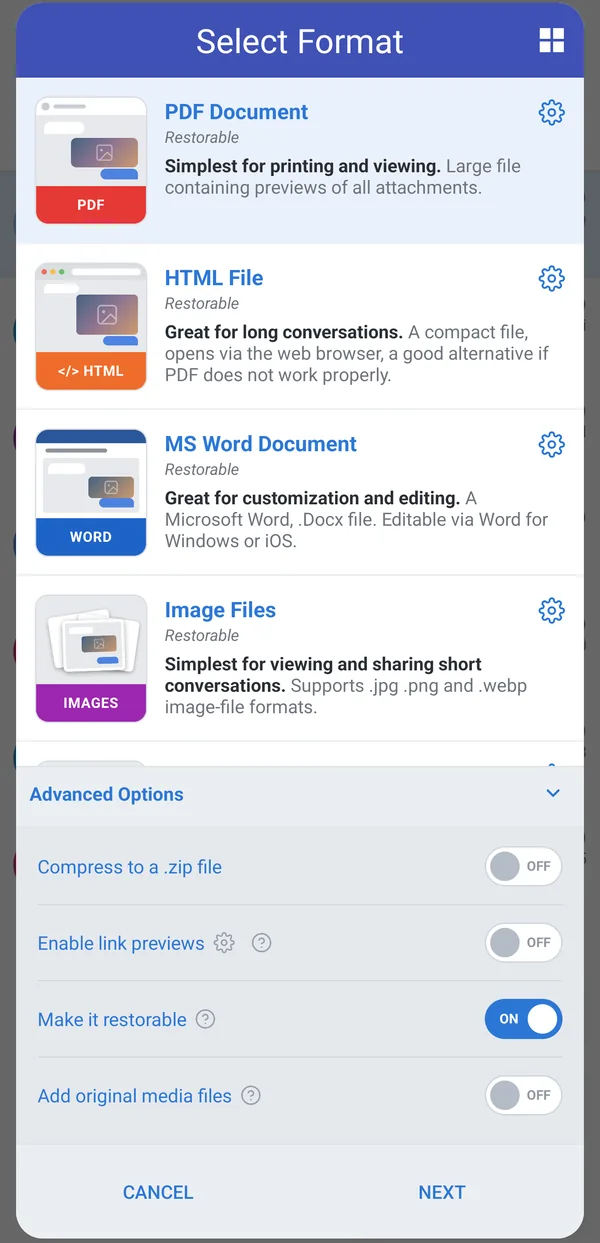
If Enable link previews is turned on under Advanced Options, also try the backup with it turned off.
Workaround 2: Need a PDF? Make one from the HTML file
- Create an HTML File backup as described above.
- Send the file to your computer, for example by tapping Share and emailing it to yourself.
- Download the file to your computer. If you emailed it, save the attachment first rather than opening it from the email.
- Open the file in Google Chrome.
- Press Ctrl+P (Cmd+P on a Mac).
- Set Destination to Save as PDF and click Save.
Contact support
If the workarounds don’t help, contact us through the support chat. It helps a lot if you tell us which formats you tried and which ones failed.
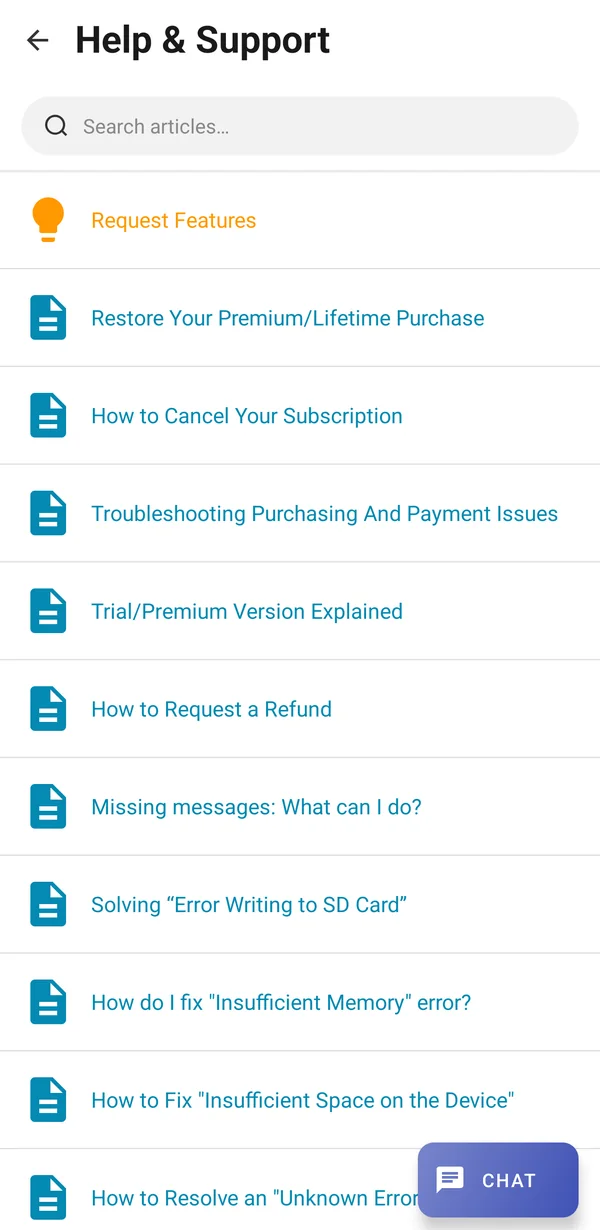
- On the Chats screen, tap the three-dot menu (⋮) and tap Help & Support.
- Tap Chat at the bottom right.
Was this article helpful?
Thanks for your feedback!